Poster Format

Poster Templates

Generating the PDF File

Submitting Your Abstract and Poster

Printing Your Poster


POSTER FORMAT

Unless you have producted a large number of posters in the past, it is strongly recommended that you attend one of the poster creation workshops before trying to create your SRS poster. Dates, times and locations of these workshops are provided in the 'Poster Support' link from the main SRS page.

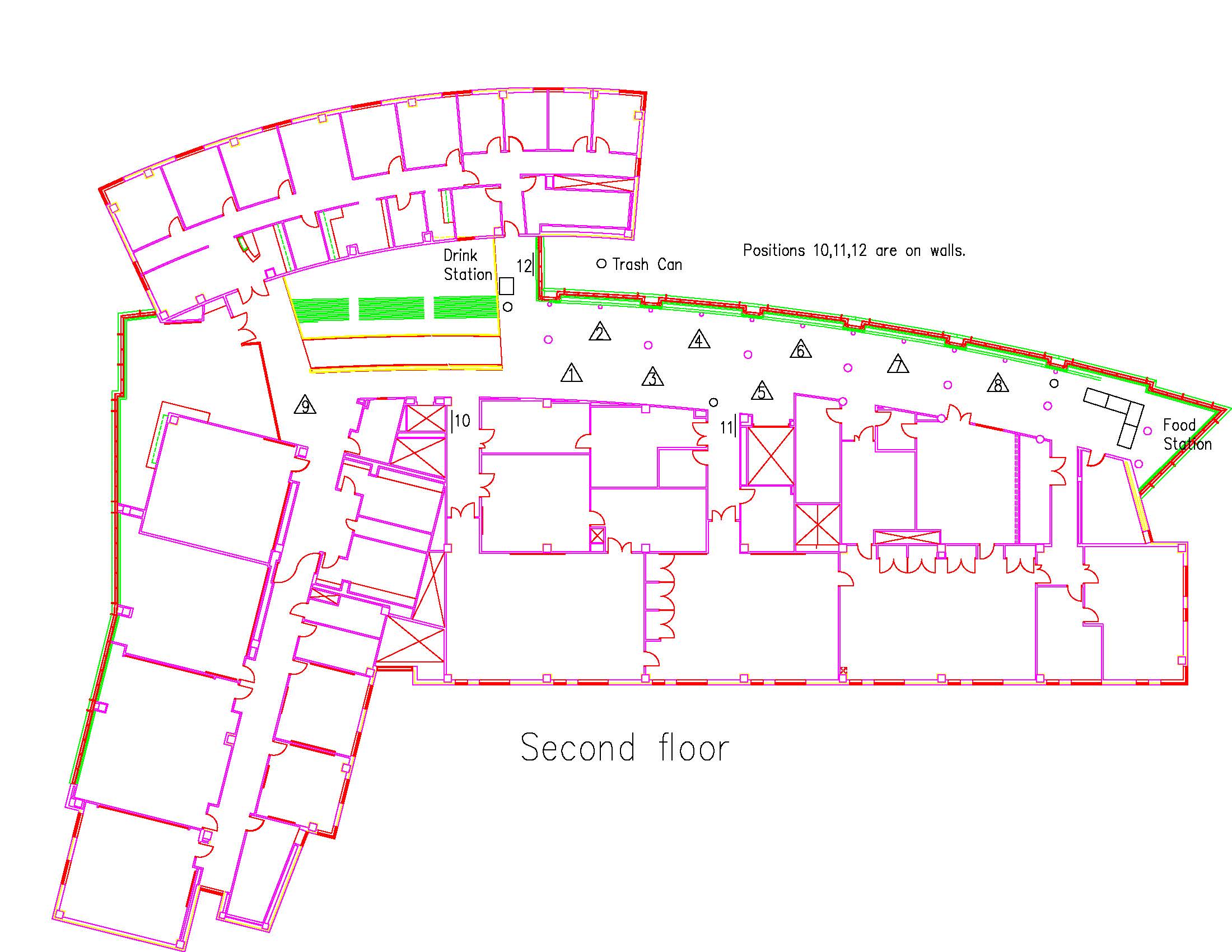
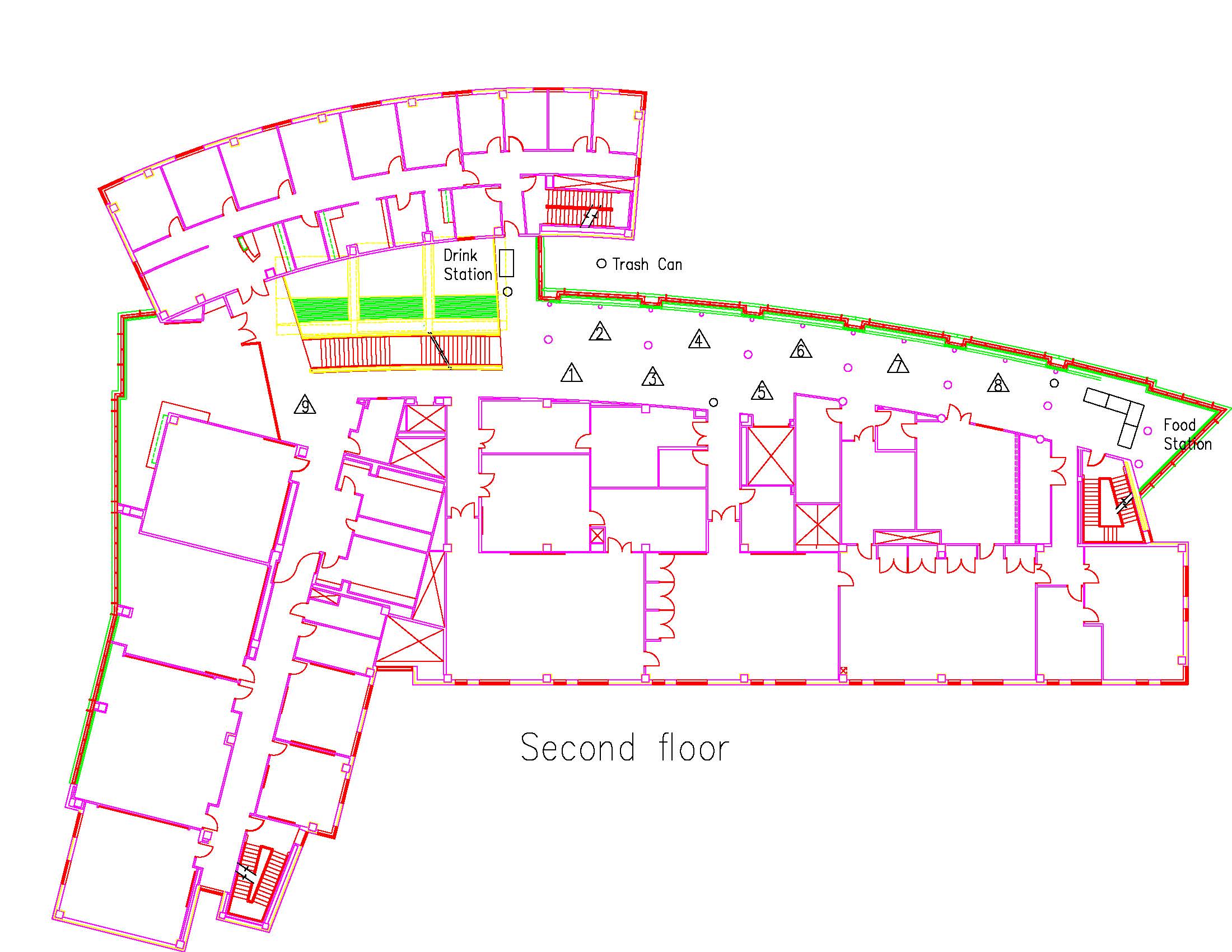
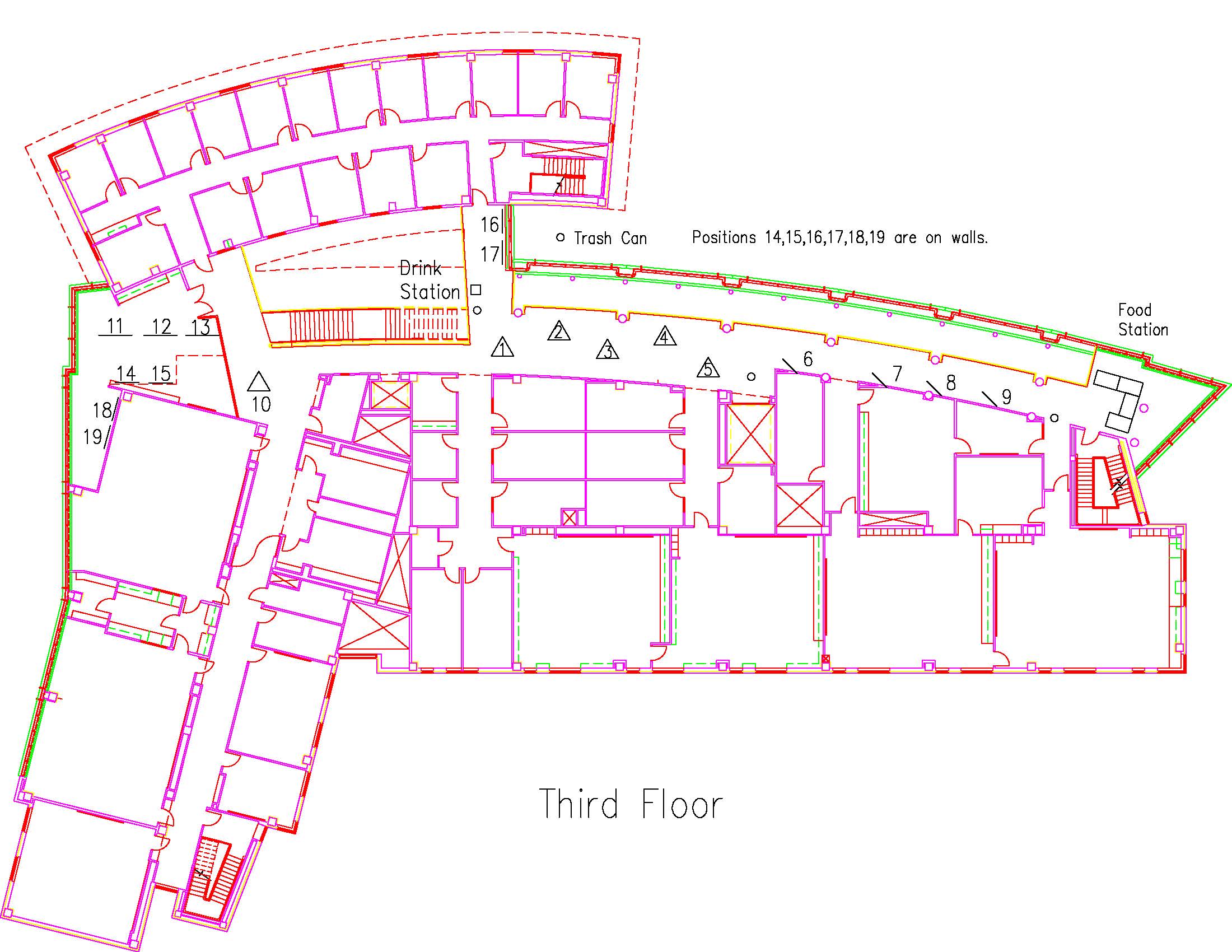
Poster display area: The provided display area for your poster is 48" high and 2 x 30" wide with about a 120 degree angle between the 30" sides. This 48" x 60" display area can hold about twenty 8.5" x 11" landscape slides. Solid posters can either be bent in the middle or hung across the two sides. The display boards for mounting your poster and push pins for mounting it to the board are provided.

Layout: You should either use a single large poster or individual sheets of heavy weight paper (e.g. for individual PowerPoint slides). If you are using a single large poster, it suggested that you have it laminated. Example poster setups are on the SRS website. If you are using PowerPoint slides, cover the display board surface with white paper. For each PowerPoint sheet, an offset backing of colored paper for each slide looks attractive.

Style: Use guidelines published by the professional societies in your major, if available. Your faculty advisor can help you with style decisions. Also see the poster preparation guide web links on the SRS website.

Other display elements: Most of the provided display tables are round and hold three display boards back-to-back so that the area behind the boards cannot be accessed. Only a limited amount of flat table space in front of your poster area is normally available for holding presentation elements (like laptops, handouts, of other presentation aids). If you need to use display elements other than your poster, please have your faculty advisor contact the SRS committee one week prior to the day of the presentations. While we want to meet these special needs and some tables are located in places that allow them, we must ensure easy access past your display area in case of an emergency.


POSTER TEMPLATES

It is strongly recommended that you use one of the three poster templates as a starting point for your poster. These templates will also be used during the poster workshops.

for Canvas (landscape): CanvasTemplate_SRS_landscape.cvx.zip
for Canvas (portrait): CanvasTemplate_SRS_portrait.cvx.zip
for Publisher: PublisherSRSTemplate.pub
for PowerPoint: PowerPointSRSTemplate.ppt


GENERATING A PDF VERSION OF YOUR POSTER

To allow for the uniform electronic distribution of posters, all posters should be converted to the Adobe PDF file format before submission. Please verify that the submitted PDF file accurately reflects the printed version of the poster you will present at SRS. Details for creating the PDF file are provided in the 'Poster Support' link on the SRS main page. This link also provides information on the available PDF convertion workshops.

To assure the high fidelity conversion of your poster, try to avoid using unusual fonts in your poster. If you need to use a very unusual font that isn't standard on other computer platforms consider rendering the text into a high-resolution raster image within the poster.

Please note that regardless of the drafting program and computer platform you choose, any program that generates PDF files expects that you are using an appropriate printer driver (i.e., your program thinks you are printing to a printer that can support the large poster size). If, for example, you intend to print your poster using the Department of Geology plotters, you should download the Hewlet Packard 800PS driver, install it on your machine, and choose it as the printer while you are editing your poster. If you choose a regular printer driver, with page size limited to 8.5 x 11, then your poster will never be saved to PDF at anything other than that size - no matter how large you may set the custom printer size to be.


SUBMITTING YOUR ABSTRACT AND POSTER

The contact author should submit an abstract and information about the authors and advisors by the required date (see important dates). Later, a PDF version of your poster must also be submitted (again, see important dates).

Abstract submissions are handled on-line by filling out the abstract submission form. This form can be accessed by following the 'Abstract Submission' link at the top of the main SRS page. We currently do not support partial abstract submissions so please be prepared to supply all data when you attempt to submit your abstract.

Poster submissions are also handled on-line by filling out the poster submission form. This form can be accessed by following the 'Poster Submission' link at the top of the main SRS page.


PRINTING YOUR POSTER

To avoid bottlenecks in printing posters, we are asking that students submit their print job to the individuals in charge of the plotters at least 3-4 days before they need it. Plotters are available in the following departments:

Department: Geology
Contact: Art Busbey
Email: a.busbey@tcu.edu

Department: Engineering
Contact: Tammy Pfrang
Email: t.pfrang@tcu.edu

There is also a plotter in the Physics Department.